.jpg)
Table of Contents
Name of the heading 1
1- Start your table with the syntax {start-table}
2 - Add an H3 Heading to create a new column (this will be the column title)
3 - List cells as bullet points in a List element
4 - End your table with the syntax {end-table}
I usually tell nursing programs early on that competitors sell software; we sell a clinical partner invested in your success.
And that’s not just a tagline. Most vendor calls stay laser-focused on scenario libraries, headset specs, and a quick demo. They rarely dive into what happens after the contract is signed: who you’ll work with, how to size your hardware correctly, and what it takes for your faculty to continue to use the platform with confidence two years down the road.
What Does a UbiSim VR Simulation Clinical Partner Do?
When vendors offer "support", it rarely means the same thing twice. With UbiSim, every program gets paired with a dedicated customer success manager (CSM), backed by a technical and content support team that includes working nurses.
A clinical team can tell you why a scenario's decision points are sequenced the way they are, how to debrief a specific patient case, or how to adapt a scenario for a course it wasn't originally built for. I think about our relationships with programs as multi-year partnerships, because clinical judgment skills aren’t built overnight. Nursing education happens across an entire curriculum, not a single semester, and our support matches that.
That's the bench depth a smaller platform usually isn't staffed to offer. Product development is shaped by nurses who are still in the field, and a team that's accountable to the same standards your simulation teams recognize, such as the Healthcare Simulation Standards of Best Practice™ and NCSBN Clinical Judgment Measurement Model. It's part of why programs like Grande Ronde Hospital and NYU Langone have built VR simulation into how they develop clinical judgment at scale.
Picking VR Software That's Built By Nurses
When comparing platforms, programs naturally look at scenario count, headset compatibility, and price. If I were asking those early questions, I’d start with: who built these simulations, and can you show me the review process?
Ask vendors to show you their content authorship and review process. Who writes the scenarios? What are their clinical credentials? Is the content shaped by one program's perspective, or by a team of nurses with varied clinical backgrounds and global experience? UbiSim's scenarios go through simulation experts and subject matter reviewers, plus an extensive quality assurance and trial process, before learners ever see them. It’s worth noticing how transparent this process is.
A strong platform should also show you, scenario by scenario, how its content maps to the NCLEX Test Plan, the NCSBN Clinical Judgment Measurement Model, and the AACN Essentials, not just claim general alignment and hope you don't ask for specifics.
Sizing Your Headset Order Without Guessing
Once a program chooses a platform, the next question is: how many headsets do we need?
The instinct is to size the order to total enrollment, assuming every learner needs simultaneous, one-to-one access with a faculty member watching every second. That assumption made sense when VR simulation required a live facilitator for every session. It doesn't anymore.
UbiSim runs on two modalities built for different learning moments and maximum flexibility.
- Facilitator-led simulation: Best for team-based, high-acuity scenarios that benefit from live coaching and real-time debriefing.
- Solo Mode: Independent practice where learners work through scenarios on their own, guided by AI patient dialogue, while automated performance reports give faculty instant insights.
That combination changes the headset math. Instead of counting learners, I'd ask how many simulation hours your curriculum requires, how much can run independently in Solo Mode, and how much genuinely needs a live facilitator in the room. And don’t underestimate the value of peer-to-peer learning. Some programs build in a peer debrief after a Solo Mode or peer-facilitated session, pairing learners to talk through their decisions before an instructor reviews the results.
Programs that size their orders this way and plan for growth from day one, rather than treating it as a future renegotiation, tend to land on a number that reflects how the platform will be used. Wyoming's community and technical college system is a good reference point for what that looks like at scale; they deployed across multiple campuses at once instead of starting small and scaling up piece by piece.
What The First 90 Days Should Look Like
The first 90 days determine whether VR becomes a core part of your teaching.
- Days 1–30: Your dedicated CSM handles the heavy lifting for you by configuring headsets, provisioning accounts, and setting up your onboarding plan so you have a working scenario ready to demo before students ever log on.
- Days 30–60: Faculty get into the headsets. They run a practice session and a scenario debriefing, work with our team to map scenarios to specific courses, and identify faculty champions who can answer learner questions faster than a support ticket can.
- Days 60–90: Learners step into VR through real coursework, supported by continuous feedback loops to refine the next semester’s scenario selections.
The two main concerns that usually come up before programs get started are: whether VR will create an IT headache and whether you'll be left on your own after signing. UbiSim's platform runs on standard, SSO-managed devices via Microsoft Entra ID and is backed by an unqualified SOC 2 Type 2 report with zero exceptions, so the security questions your IT team is going to ask already have answers. Our dedicated clinical support team, backed by our implementation workbook, keeps you supported well beyond the first 90 days.
Beyond Go-Live: How UbiSim Works With You To Build Faculty Confidence
Will faculty use it?
Plenty of simulation directors have been burned by software that arrived with a login and zero plan. To prevent that, our nursing simulation success managers work directly with your faculty champions to build local leadership. When a small group gets hands-on support, adoption doesn't depend on just one person or one semester.
At the end of the day, choosing the software, sizing it correctly, launching it smoothly, and building faculty confidence are all part of a single relationship. And that's what I mean when I tell a program that at UbiSim, we aren't just selling software—we’re a clinical partner invested in your success.

Give your learners hands-on clinical simulation training that builds confidence, improves decision-making, and prepares them for real-world patient care in a safe, scalable virtual environment.

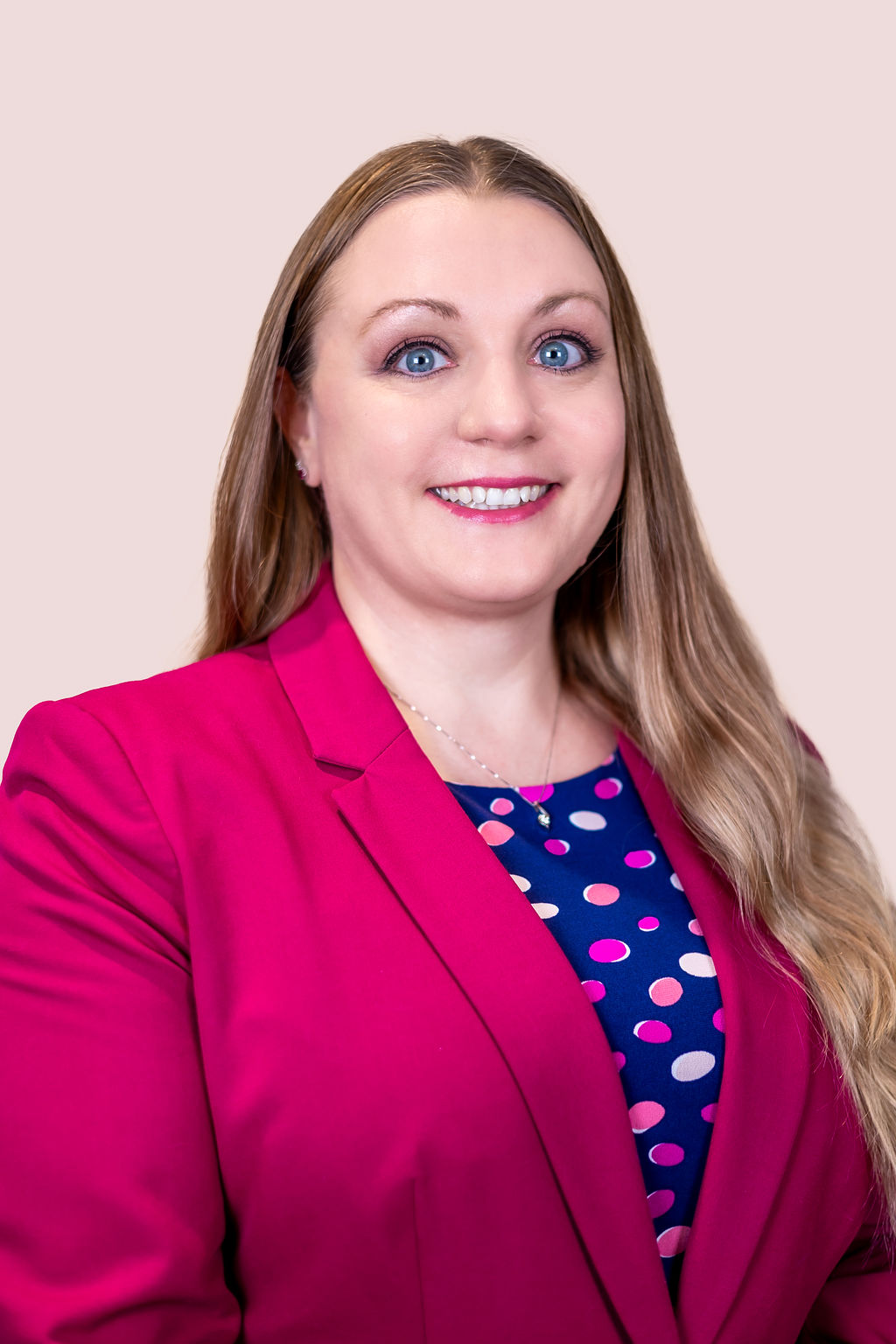

Dr. Christine "Christy" Heid is a dedicated nurse educator, innovator, and simulationist with over two decades of experience. She holds a PhD in Nursing and has made significant contributions to nursing education, particularly in simulation-based learning and clinical judgment development. Dr. Heid is the creator of the Heid ATE Guide for Clinical Teaching and Learning©, an innovative tool designed to build nurses' clinical judgment skills. She is the former Chair of the INACSL Education Committee, a member of the OADN Simulation Committee, and a contributor to the Cornerstones of Best Practice, which explores the application of the Healthcare Simulation Standards of Best Practice™. Her work focuses on promoting innovative teaching strategies, simulation-based competency evaluation, and fostering deep learning across academic and practice settings to improve healthcare and educational outcomes.
Explore more
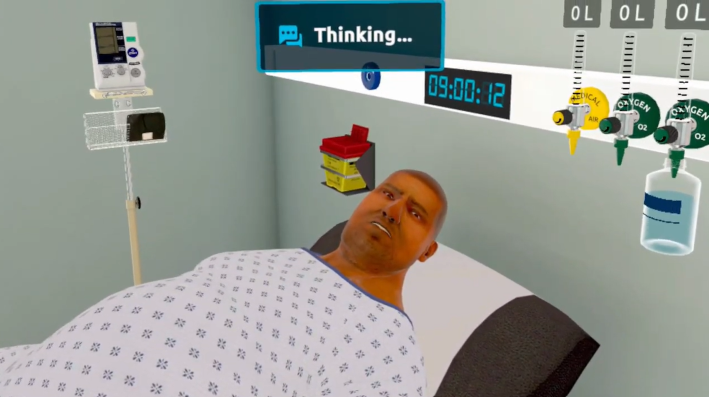
The Benefits of AI Patient Dialogue in VR Nursing Simulation
AI patient dialogue brings real conversation practice to VR nursing simulation, building learner confidence and empathy while helping programs scale smarter
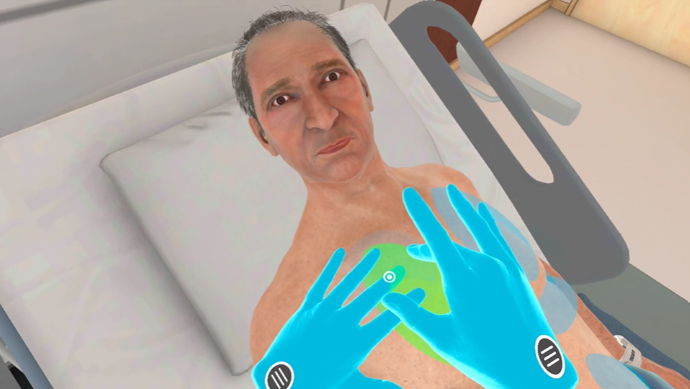
Enhanced Auscultation and Percussion Assessment
Explore UbiSim VR enhanced auscultation and new percussion assessment features built for nursing education

How Immersive VR Prepares Nurses for the Demands of Real Patient Care
Discover how immersive VR simulation builds clinical judgment and confidence in nurses using a real Med-Surg scenario as the guide.